How to Pick a Gaming Phone in 2026: 7 Things to Check Before You Buy
Buying a gaming phone in 2026 is harder than it used to be, and not because there are too few good options — there are too many. Almost every flagship now calls itself a gaming phone, and the specification sheets all look impressive until you realise that a 165Hz screen means nothing if the chip overheats after ten minutes. The trick is knowing which seven things actually decide whether a phone plays well, and which numbers are just marketing.
This guide walks through those seven checks in order, using real 2026 phones and chips as examples, so you can judge a product page like someone who has done it before.
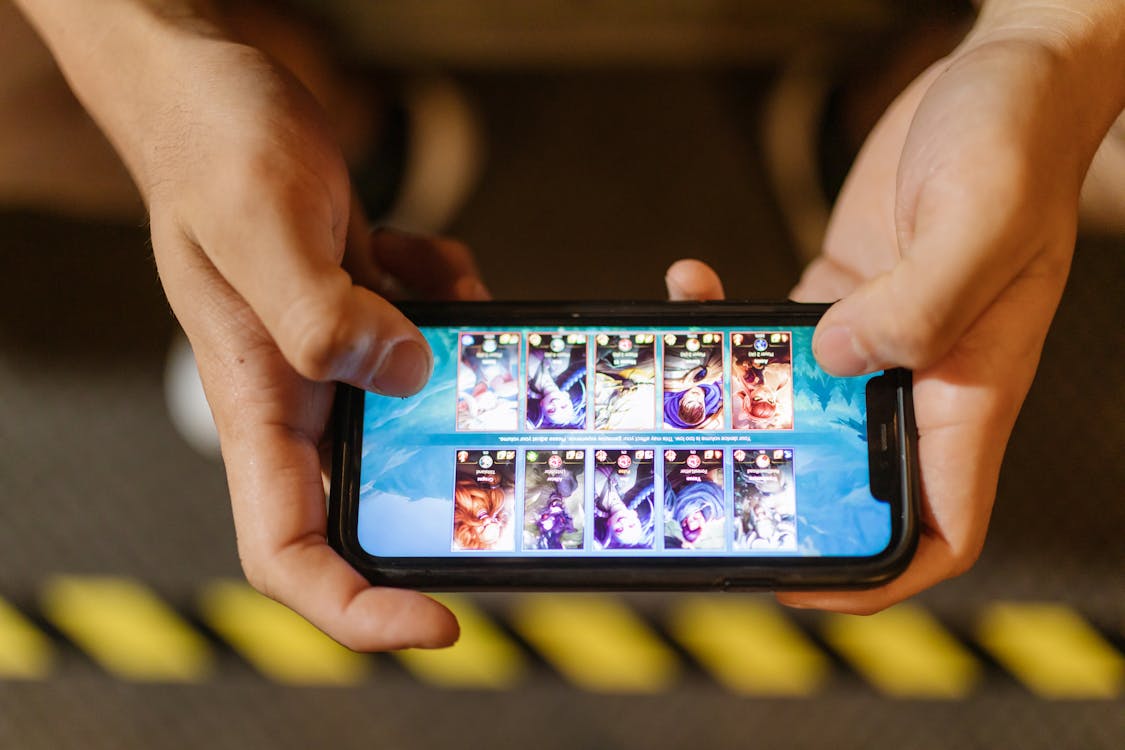
Photo: RDNE Stock project / Pexels — stock illustration, not a product photo.
1. Start With the Chipset, Not the Brand
The processor decides how well demanding games run and how long the phone stays smooth. In 2026 the chips to look for are Qualcomm's Snapdragon 8 Elite Gen 5, found in the OnePlus 15, iQOO 15 and ASUS ROG Phone 9 Pro, and MediaTek's Dimensity 9500, found in the Redmi K90 Max and OnePlus Ace 6 Ultra. A step below those, the Snapdragon 8 Gen 5 and the Dimensity 9500s still handle most games well. Be careful with older chips in new-looking phones: a phone released in 2026 with a 2024 chip will feel old much sooner. Always check the exact chip name on the official product page rather than trusting a “gaming” label on the box.
2. Check the Display Refresh Rate — and What It Really Means
Every gaming phone in 2026 should have at least a 120Hz display, and the best now reach 144Hz, 165Hz or even 185Hz, as on the ROG Phone 9 Pro. A higher refresh rate makes motion smoother and touch response feel faster. But there is a catch: on several phones, the maximum refresh rate only works inside supported games. The OnePlus 15, for example, reaches 165Hz in gaming, while everyday use runs lower. Few games natively support 165Hz yet, so a good 120Hz screen with a fast touch sampling rate is often a better buy than a 165Hz screen on a weaker phone.
Read Also: 5 iPhone Settings Every Mobile Gamer Should Change Today
7 Best Racing Games for iPhone and iPad for Gamers
3. Look at Battery Size and Charging Together
Gaming drains batteries fast, so capacity matters more here than on any other kind of phone. The 2026 flagships have moved well past the old 5,000mAh standard: the OnePlus 15 carries a 7,300mAh battery, the iQOO 15 a 7,000mAh battery, and the Redmi K90 Max is reported to pack an 8,550mAh battery. Fast charging matters just as much — the OnePlus 15 supports 120W wired charging, while the iQOO 15 offers 100W wired and 40W wireless. Check both numbers on the official listing, and remember that battery capacity figures vary by region, so confirm the variant sold in your country.
4. Ask How the Phone Stays Cool
A fast chip that overheats will slow itself down, and that slowdown feels exactly like lag. Good gaming phones fight heat with large vapor chambers, graphite layers, or even built-in fans and active cooling. When you read a review, look for sustained performance tests — how the phone performs after thirty minutes of gaming, not just in the first five. If a phone has no serious cooling design and no sustained-performance data, treat its benchmark scores with caution.
5. Do Not Skimp on Storage and Memory
Modern games are huge, and they keep growing with every update. A phone with only 128GB of storage will fill up fast once you install three or four games alongside photos and apps. Look for at least 256GB of storage and 12GB of RAM in 2026 — the OnePlus 15 and iQOO 15 both start at 12GB of RAM with 256GB of storage, and some flagships offer up to 1TB. Also check the storage type: UFS 4.1 storage, used in the current flagships, loads games noticeably faster than older UFS 3.1. Most flagships no longer have a microSD slot, so the storage you buy is the storage you keep.
6. Check Software Support and Gaming Features
A gaming phone is a long-term purchase, so ask how long it will be updated. Check the manufacturer's promised years of Android updates and security patches before you buy, and prefer phones launching with the current Android version — several 2026 flagships ship with Android 16. Also look for useful gaming software: a game mode that blocks notifications and prioritises performance, shoulder triggers on dedicated gaming phones, and good stereo speakers. On iPhones, the equivalent is Game Mode, which arrived in iOS 18 and activates automatically when you open a game.
7. Set Your Budget and Compare the Whole Package
Finally, be honest about your budget and compare complete phones, not single specifications. A dedicated gaming phone such as the ROG Phone 9 Pro or the RedMagic series gives you the fastest screen, the best cooling and gaming triggers, but the camera may be weaker than a mainstream flagship at the same price. A mainstream flagship such as the OnePlus 15 or iQOO 15 plays nearly as well while taking better photos. Budget options such as the POCO F7 Pro or the Infinix GT 30 Pro prove you do not need flagship money for smooth gaming at 120Hz or 144Hz. Decide which games you actually play, pick the cheapest phone that runs them well, and spend the money you save on a good controller or low-latency earbuds instead.
The best gaming phone is not the one with the biggest numbers on the box. It is the one whose chip, screen, battery, cooling, storage, software and price all fit together — and fit the games you actually play.
Source: Gizmochina — The Best Gaming Phones in May 2026 — https://www.gizmochina.com/2026/05/21/best-gaming-phones-in-may-2026/
